Computer Support
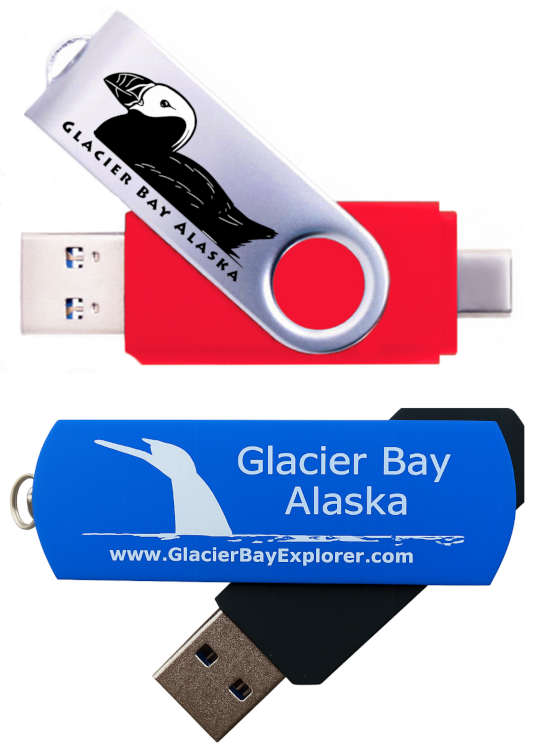
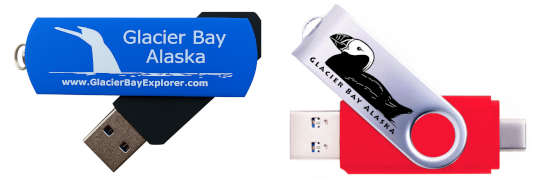
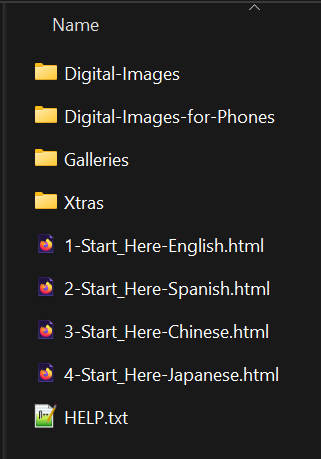
Both the blue and red flash drives can be used in a computer. Plug the flash drive into your computers USB port. Your computer should then open a message box asking you what you want to do. You need to look at the drive contents with your file explorer. The contents of the drive should look like the picture to the right or below.
Connected! What next?
Option A - Copy the full drive to your device. Copy all the folders and files at once and put them in a new folder on your device. You should then be able to open the Start_Here files and view the captions on your device.
Option B - Copy just the high resolution images. Copy only folders \Digital-Images and \Digital-Images-for-Phone. You will not be able to view the drives captions pages but the photos have the captions embedded in the metadata. You might be able to view the captions via an app.
Option C - Copy only the images you want. Select the photos you want from folders \Digital-Images and \Digital-Images-for-Phone and copy them to your device, probably to the \Pictures folder.
Option D - Don't copy anything, just view the captions and photos from the flash drive. While this works it is perhaps inconvenient to have the drive connected while you use it. But it is a good way to initially view the photos and drive folders while you decide how you will use the drive long-term.
The photos are much more interesting if you view them with the captions written by the photographer. In the root of the drive there is a file called '1-Start_Here-English.html'. If you double click on this file it should open in your internet browser. It contains links to the Galleries that display the captions.
Web Access to View the Captions
Another great option for veiwing the captons is to visit our Web Access link. One advantage of Web Access is the ablity to swipe left and right to scroll through the captions and galleries.
You may want a 'hybrid' use of your drive... copy the folders with the images to your device, but use the website to browse the captions.